A firewall rarely fails because an attacker broke it. More often it is doing exactly what someone told it to do, and somebody told it to allow far more than anyone remembers. Rule sets grow the way garden sheds do: one small addition at a time, each one perfectly justified in the moment, until the whole thing is too tangled to sort out on a Friday afternoon. The encouraging part is that the same handful of mistakes shows up in almost every configuration review. Fix these and you close most of the distance between the firewall you think you have and the one that is actually running.
The Catch-All Allow Rule
Every rule set has one. During an outage, an application stops talking to a database, and someone adds a rule that permits everything from everywhere to everywhere. The service comes back, the ticket closes, and the rule stays. Two years later it is still sitting at the top of the list, quietly punching a hole through the rest of your policy.
The internal version is just as common: allow 10.0.0.0/8 to 10.0.0.0/8 on any port. It feels harmless because it is "inside," but flat internal access is exactly what turns a single compromised laptop into a domain-wide incident.
How to fix it
- Filter your rule list for any in the source, destination, or service column. Sort by hit count — a broad rule with almost no traffic is the easiest thing you will delete all week.
- Use the firewall's own logs to see what the application actually needs: real source addresses, real destination addresses, real ports. Build narrow rules from that evidence, not from guesses.
- If the traffic is genuinely unpredictable, restrict it by user group or by a jump host rather than opening it to a whole subnet.
Rule Order and Shadowed Rules
Most firewalls evaluate top-down and stop at the first match. That means a specific deny placed below a broad allow never fires at all. It sits in the config looking responsible while doing nothing.
Two habits prevent this. First, order rules from most specific to least specific, and group them by function with a comment header so the next person understands the intent. Second, verify that your explicit deny rules and your final default-deny are actually reachable — many platforms will show you hit counters per rule, and a deny rule with zero hits over months is either unnecessary or shadowed.
If you can't name who asked for a rule, you can't safely delete it — and you can't safely keep it either.
Legacy Ports Nobody Remembers Opening
These are the rules left behind by a vendor support session, a migration that finished long ago, or a testing phase that never ended. The services behind them are often unencrypted, unpatched, or both.
Worth checking specifically:
- Telnet (23) and FTP (21) — credentials travel in clear text. Replace with SSH and SFTP, then remove the rule.
- SMB (445) and NetBIOS (137-139) — a favourite lateral movement path. Should almost never cross a subnet boundary.
- RDP (3389) — fine to a hardened jump host, dangerous when open to a whole user VLAN or, worse, the internet.
- Database ports (1433, 3306, 5432) — application servers need them; finance laptops do not.
- SNMP (161) — often still using a default read-write community string. Restrict by source and switch to SNMPv3.
The fix is not only a firewall edit. If a service has no reason to run, disable it on the host. A closed port beats a filtered one.
Outbound Traffic Left Wide Open
Plenty of organisations filter inbound traffic with real discipline and then allow any outbound connection from any internal host. That single default hands an attacker everything they need: command-and-control callbacks, tool downloads, and data leaving the building, all over port 443 where nobody looks twice.
You do not have to solve this everywhere on day one. Start with the segments that matter most — servers, domain controllers, backup infrastructure — and set a default-deny outbound policy with explicit allowances for DNS to your internal resolvers, NTP, patch sources, and the handful of destinations each application genuinely uses. Log everything else for a few weeks before you enforce it, so you can see what breaks and why.
Management Interfaces Exposed to the Internet
This one turns a firewall into the weakest device on the network. The symptoms are familiar: the admin interface listening on the WAN, HTTPS or SSH permitted from any source address, the vendor's default account still active, or SNMP left readable from outside.
Move management onto a dedicated out-of-band VLAN reachable only from a hardened jump host. If administrators need remote access, require a VPN with multi-factor authentication rather than publishing the login page. Restrict every management rule to specific source addresses, disable protocols you do not use, and confirm the answer by testing from an external host — not by reading the rule and assuming it works.
Logging Switched Off, Reviews Never Done
A firewall with no logs is a firewall you cannot audit, tune, or defend after an incident. The usual cause is mundane: the disk filled up, someone disabled logging to stop the alerts, and it never came back.
Send logs to a central collector with enough retention to cover your investigation window. Alert on denies coming from unexpected sources — a workstation hitting database ports is worth a look. Then put rule review on the calendar as a recurring task, not a project that happens after an audit.
A Quarterly Firewall Review That Takes an Hour
- Export and diff. Compare the current configuration with the last reviewed version. Every new rule should have a name attached to it.
- Hunt for any. Search source, destination, and service columns. Narrow or remove what you find.
- Sort by hit count. Rules with zero traffic over 90 days are candidates for removal. Disable them first, wait a week, then delete.
- Check rule order. Look for denies sitting beneath broader allows.
- Test management access from outside. If you can reach the login page from a coffee shop, so can anyone else.
- Confirm outbound default-deny on your server and infrastructure segments.
- Assign an owner and a date to anything you kept for now.
One small discipline makes all of this easier: require every rule to carry a comment with the requester, the ticket number, the date, and — for anything temporary — an expiry date. Temporary rules without expiry dates are how legacy ports get their start.
None of this requires a new appliance or a bigger budget. It requires an hour, a diff, and the willingness to ask why a rule exists. If your firewall policy touches regulated data or contractual obligations, have your security lead or an independent assessor review the changes before you enforce them in production.
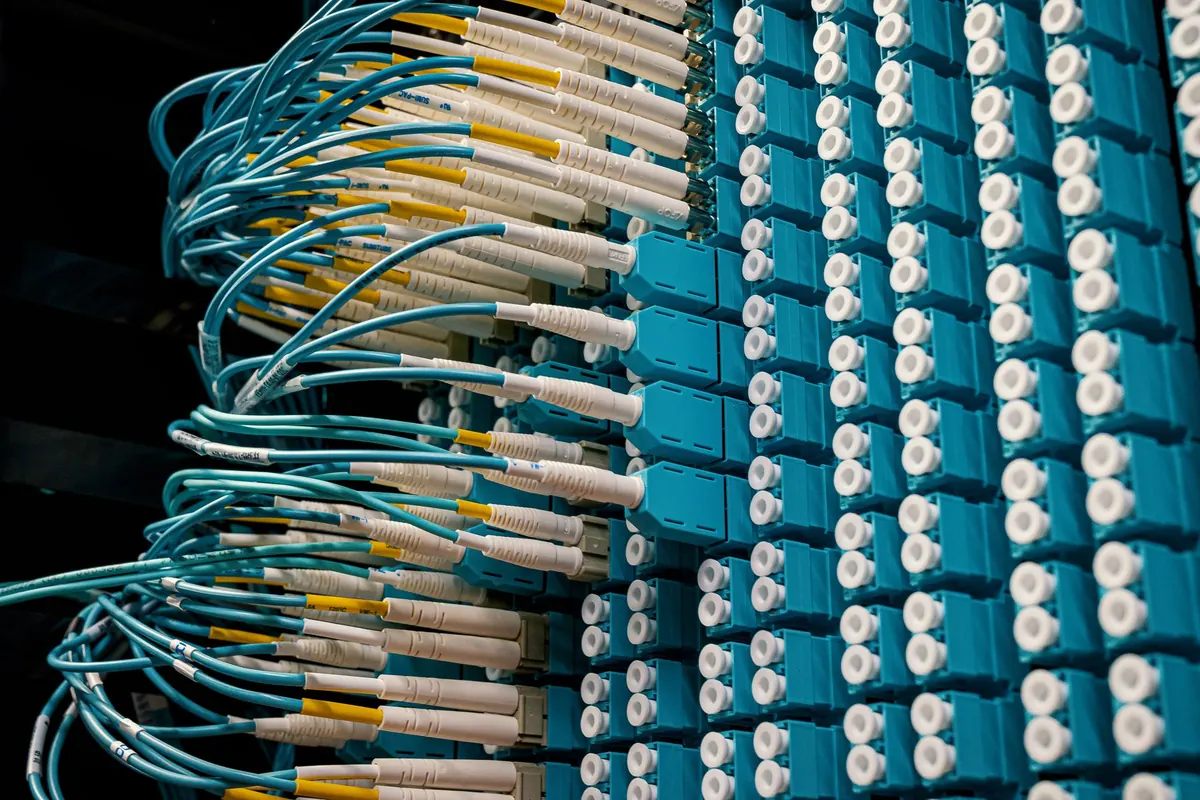
Photo: Brett Sayles / Pexels